


ApowerMirror- Cast Phone to PC
Installs
99,537,511+Category
ToolsContent Rating
Everyone
Screenshots







Editor Reviews
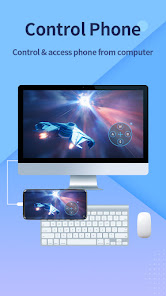
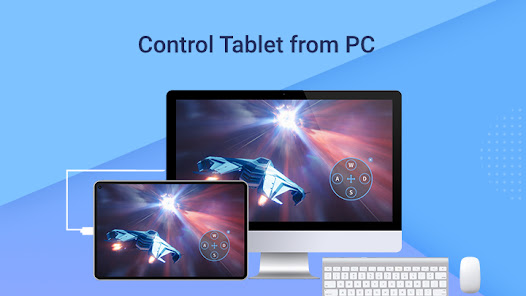
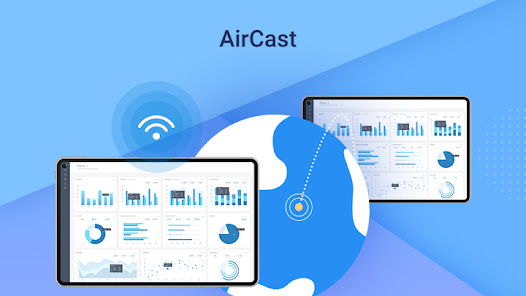
ApowerMirror is a wireless screen mirroring app that can be used to cast Android phone to PC, Mac, Smart TV (TV box) with AUDIO. It allows you to mirror&control one Android device to another Android device freely, and you can remotely control Android from PC or Mac with your mouse and keyboard. Besides, streaming the mirrored screen to applications like OBS Studio or Zoom becomes easier.
🏆Mirror Android to PC and Vice Versa
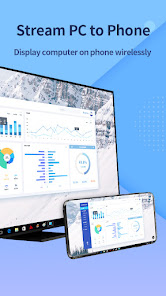
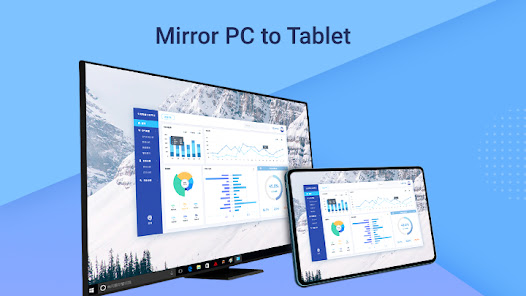
ApowerMirror allows you to cast Android to PC with audio. No need for an AUX cable, it can truly achieve audio and video synchronization while screen mirroring. Using this, you can freely stream videos, display apps, share meeting contents, or play Android games from PC or Mac in full-screen mode. Besides, you can display your PC screen on your phone and control it from your phone. With that, you can access all files on your computer and even use PC programs on your phone with no hassle.
🏆Mirror&Control Phone from Phone
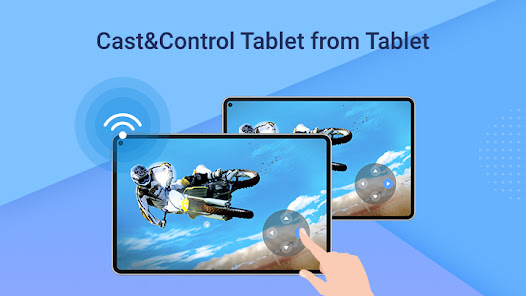
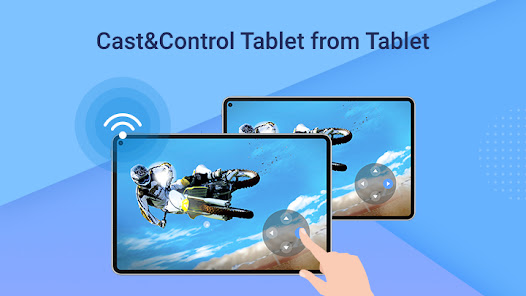
ApowerMirror is also a good screen mirroring app to mirror phone to phone or tablet. You can also share your screen with another phone using ApowerMirror to watch videos and movies with your friends and share your files with your audience easily.
Download
ApowerMirror- Cast Phone to PC Latest Version V1.8.9
Online Games
Disclaimer
1.This website is not a developer and does not represent any app or game developer.
2.This website displays screenshots, historical APKs, links and other information
3.sourced from Google Play, and may add its own reviews.
4.All trademarks, product names and logos on this site belong to their respective owners.
5.This website complies with the DMCA and will respond to valid copyright removal requests.
6.This website strives to ensure APKs are safe and provides official Google Play and App Store links for verification.
7.If you are a rights holder and want content removed, please contact us using the site's contact information.
8.Content and ads on this website follow Google Ads and Unwanted Software policies; users should verify app permissions and privacy policies before installing.